
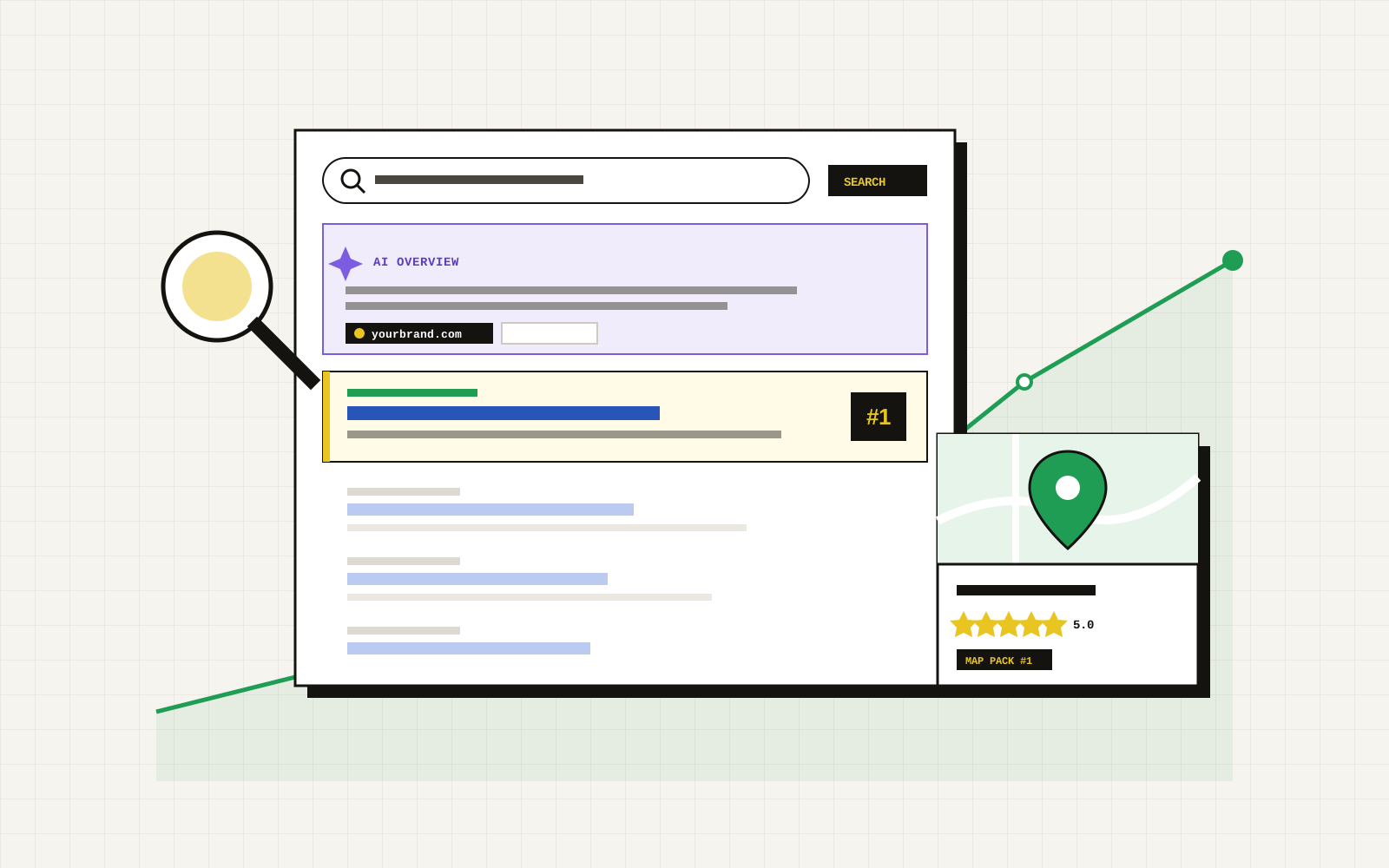
A Google Business Profile is the listing that appears when someone searches for a business on Google Search or Google Maps. It shows your name, address, hours, photos, reviews and a button to call or get directions. It is free, and for a local business it is often the first thing a customer sees. This guide walks through setting one up in the right order.
Before you start
Gather the details you will need, so everything you enter matches your website:
- Your exact business name as customers know it, not a keyword-stuffed version.
- Your address, or your service area if you travel to customers.
- A phone number and website address.
- Your opening hours, including holidays.
- A short list of the services or products you offer.
Step 1: Create the profile
Search for your business name on Google while signed in to the Google account that will manage it. If a listing already exists, claim it instead of creating a duplicate. If not, add your business, enter the name and choose your primary category.
Choose the category that best describes your main business. You can add secondary categories later, but the primary one carries the most weight, so be specific. A "family law attorney" is clearer than "lawyer", and an "Italian restaurant" is clearer than "restaurant".
Step 2: Add your location or service area
If customers visit you, enter your street address. If you serve customers at their location, such as a plumber or a mobile service, you can hide your address and list the areas you serve instead. Do not use an address you do not really operate from. Google can suspend profiles that misrepresent where a business is.
Step 3: Verify the profile
Google asks you to verify that you are the real owner. The options it offers vary by business and may include a postcard, a phone call, a text, an email or a short video. Use whichever method it presents and follow the instructions exactly. Until you verify, the profile is limited and may not appear to customers.
Step 4: Fill in every section
A complete profile gives Google and customers more to work with.
- Hours: Set regular hours and add special hours for holidays and events.
- Services or products: List what you offer in plain words, with a short description of each.
- Description: Write a few sentences about what you do and who you help. Skip promotions and keep it factual.
- Attributes: Mark what applies, such as online appointments, wheelchair access or outdoor seating.
- Website and booking links: Point to the page that best matches the action, such as your booking page, not only the home page.
Step 5: Add real photos
Add photos of your storefront, inside, team, work and products. Real photos tend to serve you better than stock images. Add a clear logo and cover image. Compress large files before uploading so the profile loads quickly.
Step 6: Collect and answer reviews
Ask happy customers to leave a review, and make it easy by sharing your review link. Never offer payment for reviews, post fake ones or filter who you ask. Reply to every review, kindly and briefly, including the critical ones. A calm reply to a bad review shows future customers how you handle problems.
Step 7: Keep it current
A profile is not a one-time task. Check it regularly:
- Update hours before every holiday and any change in schedule.
- Add new photos and posts when you have something to share.
- Answer questions and messages promptly.
- Make sure your name, address and phone number match your website and other listings exactly.
- Review insights to see how customers find you and what they do next.
Common mistakes
- Creating a second profile for the same business instead of claiming the existing one.
- Adding extra words to the business name to rank better.
- Listing a virtual office or a co-working address as a storefront.
- Letting hours go out of date, so customers arrive to a closed door.
- Ignoring reviews, or arguing in public.
How this fits with search and AI answers
Want the whole list on one page? Use our free Miami small business marketing checklist.
Your profile, your website and your other listings should all say the same thing. That consistency helps you appear in map results and also helps AI assistants verify who you are. If you want the wider picture, read what is answer engine optimization and how to get your business cited by ChatGPT.
How we help
TGI offers local SEO in Miami, starting with a free review of your profile, website and tracking. We send a written plan with a fixed price before any work starts, and you own every account, credential and file.